 MAGICA
Your game extensions, all in one launcher
Magicalist puts extensions for many games in one place, with new ones added regularly. Pick your game, choose the extension you need and launch it with one click — it opens right inside the launcher.
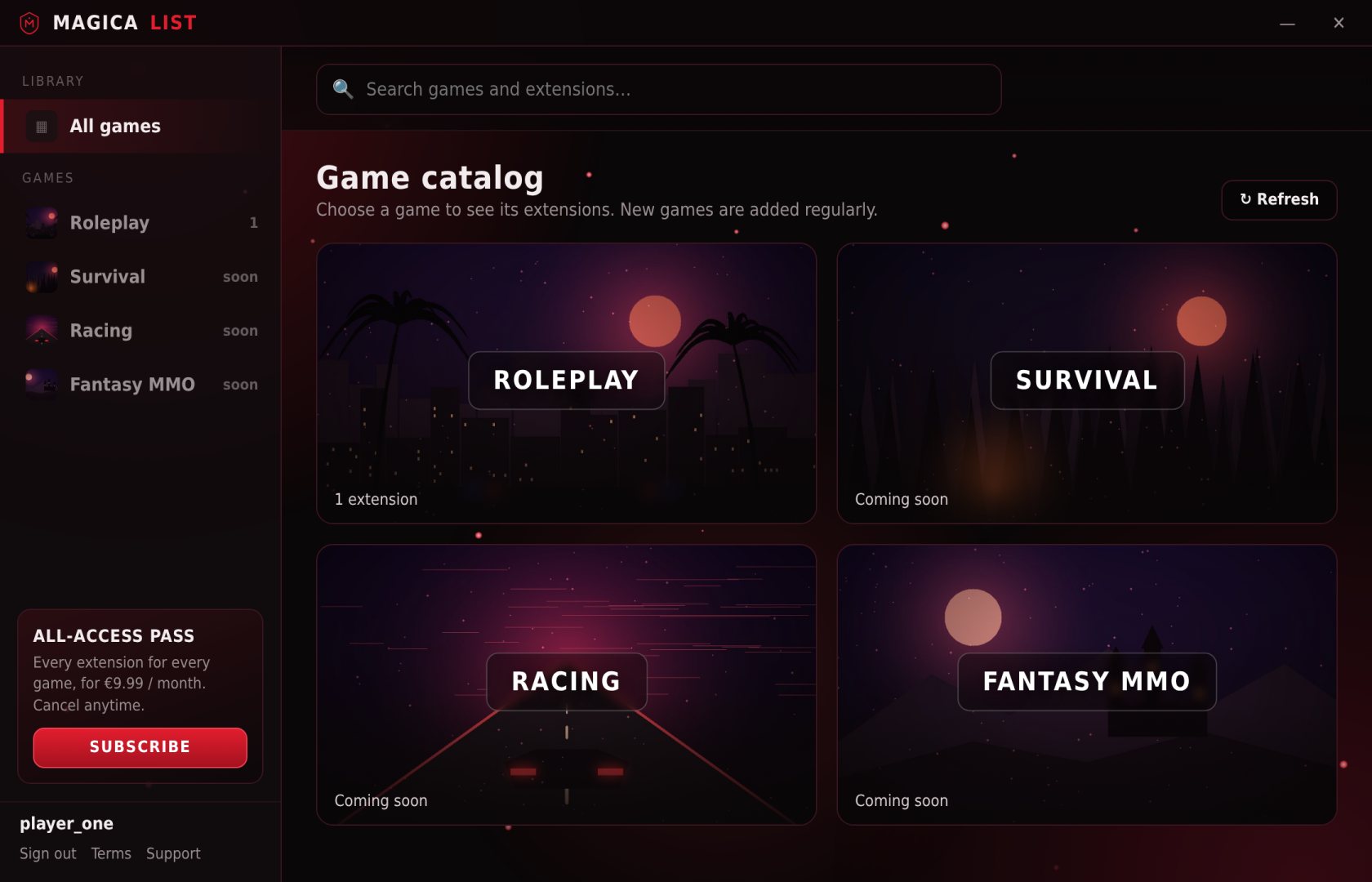
From download to playing in a minute
No complicated setup. Everything happens inside the launcher.
Create your account
Download Magicalist, open it and sign up with your email. Your account is linked to your PC.
Pick your extension
Games are folders. Open yours, read what each extension does and buy it — or unlock them all with the pass.
Launch and play
Press Launch. The extension opens inside Magicalist with its own controls. Close it and you are back in the library.
A growing catalog
Each game is a folder with its own extensions. New games and extensions are added regularly and appear in your launcher automatically.
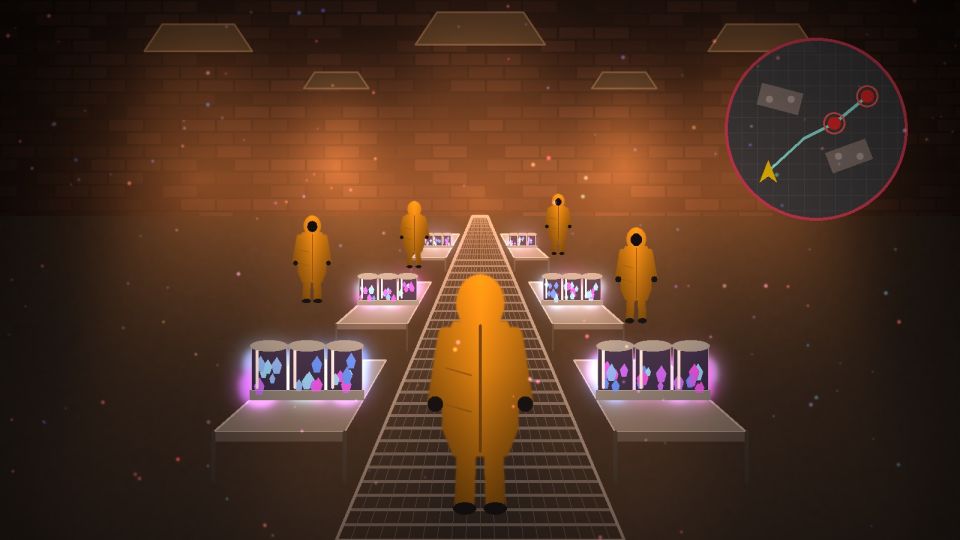
Farms the crystal job: follows the red points, steers around the slabs and learns the fastest settings.
€4.99 · lifetimeBuilding and sandbox games with farming and automation extensions.
Survival games: resource gathering helpers, overlays and more.
Racing and driving games: HUD overlays and practice tools.
Role-playing and online games: grinding helpers, timers and more.
Suggest a game. Tell us which game you play and what you would like to automate — the most requested ones come next.
Pay only for what you use
Buy single extensions for life, or get everything with one monthly pass.
Lifetime access
- Pay once, keep it for as long as Magicalist runs
- Free updates of that extension
- Buy only the ones you need
Every extension
- All extensions for all games
- New extensions included the day they launch
- Cancel anytime from the launcher
Frequently asked questions
What do I need?
A PC with Windows 10 or 11 (64-bit) and an internet connection. Magicalist uses Microsoft Edge WebView2, which is already included in almost every Windows 10/11 installation.
Can I use it on more than one PC?
Each account is linked to one PC to prevent account sharing. If you change computers, contact support and we will move your account.
Does a lifetime purchase include updates?
Yes. When an extension is updated, you get the new version automatically the next time you launch it.
How do I cancel the subscription?
In the launcher, press “Manage billing” and cancel. You keep access until the end of the period you already paid for.
Can I get a refund?
Because extensions are digital content delivered immediately, the right of withdrawal ends once you launch an extension, as you accept at checkout. If you have a problem, write to us and we will do our best to help. See the Terms of Use.
Is it safe for my game account?
Magicalist is not affiliated with any game or publisher. Some games do not allow third-party tools or automation, and using them may lead to penalties or bans on your game account. Check the rules of your game before using an extension — you use them at your own risk.
Ready to play smarter?
Download Magicalist for Windows, create your account and pick your first extension.
Download for Windows · 10 / 11 · 64-bitIf Windows shows “Windows protected your PC”, click “More info” → “Run anyway”.